How Does MFA Work?
Setting Up MFA at SVCC (Dual Enrollment See Below)
Time-Based One-Time Password (TOTP) is a one-time password that is only useable for 30-60 seconds. This can be done by using a smartphone app. Students should use MFA to log into MYSVCC to verify their identity during the login process. Instructions for setting up MFA on your phone are listed below.
**Please note, if you do not have a smartphone email helpdesk@southside.edu and our IT team will set up a time to help you set up a different authentication method.**
How to Set Up MFA on Your Phone
Instructions to set up MFA on your phone (choose only one):
Dual Enrollment - Pictograph
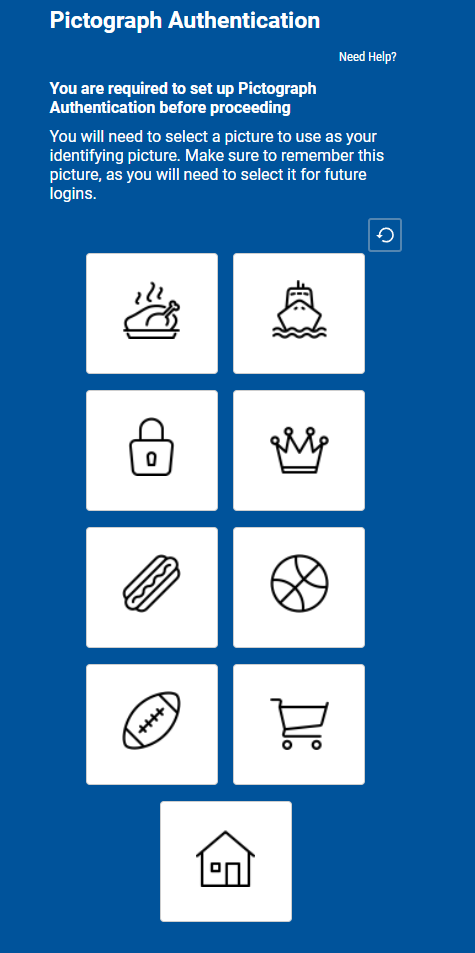
The "Pictograph" is the method Dual Enrollment students will use to log into MySVCC. Students will be prompted by a picture like the one below the first time they log into MySVCC and enter their username and password.
The student must choose one picture that they remember. After this setup, they will be prompted to select their picture from a random set each time they log in. SVCC helpdesk stands by to assist if there are any problems.